Tuner & BPM
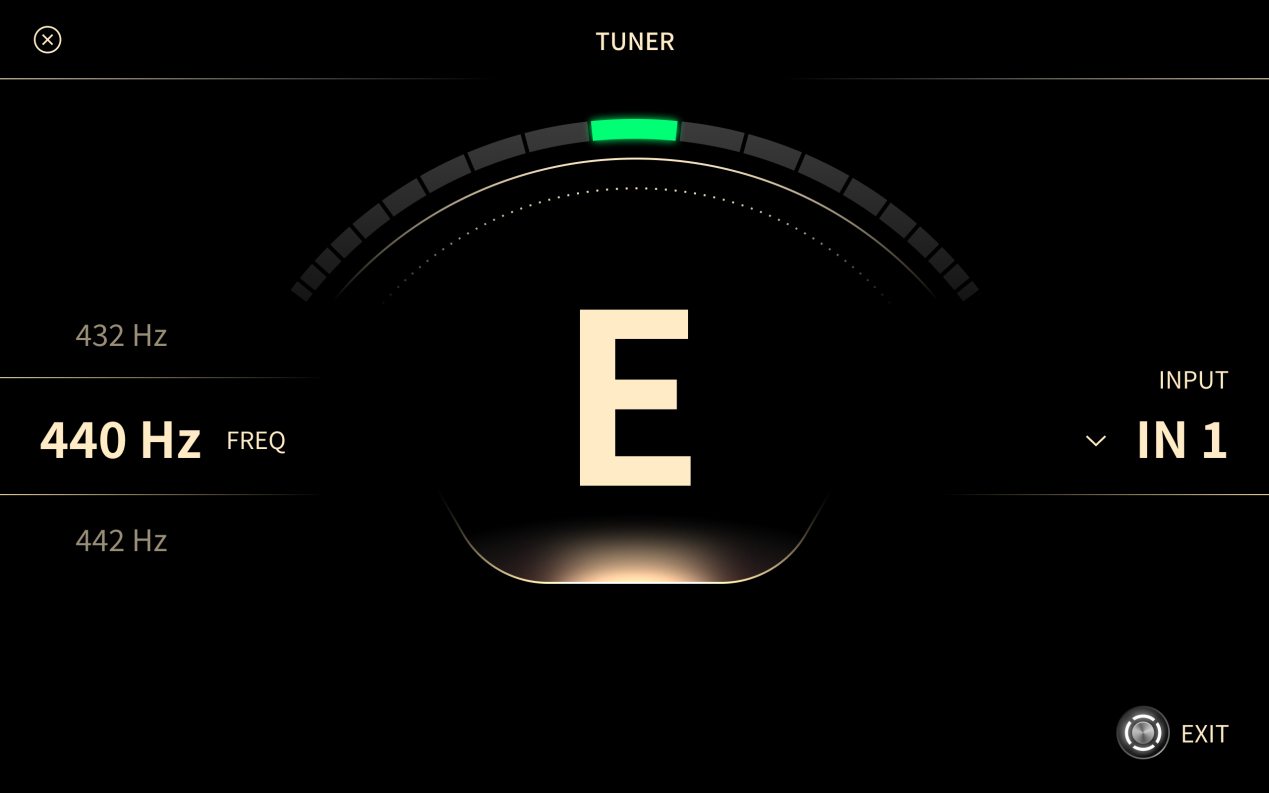
Tuner
Press and hold the TEMPO/TUNER footswitch to open the Tuner. You can also open it from the global drop-down menu.
Play a string and tune your instrument. The Tuner does not change your tone.
The Tuner has a resolution of 1 cent. Each bar on the display represents 10 cents.
-
Reference pitch
- The default is A4 = 440 Hz. The range is 415 Hz to 475 Hz.
-
Input
- IN 1/2/3/4: listens to all four inputs. If more than one carries a signal, IN 1 has priority, then IN 2, IN 3, and IN 4.
- IN 1, IN 2, IN 3, or IN 4
- MIC IN
- RET 1
- RET 2
- AUX IN
- USB IN
-
Mute
- When on, the outputs are muted while the Tuner screen is open.
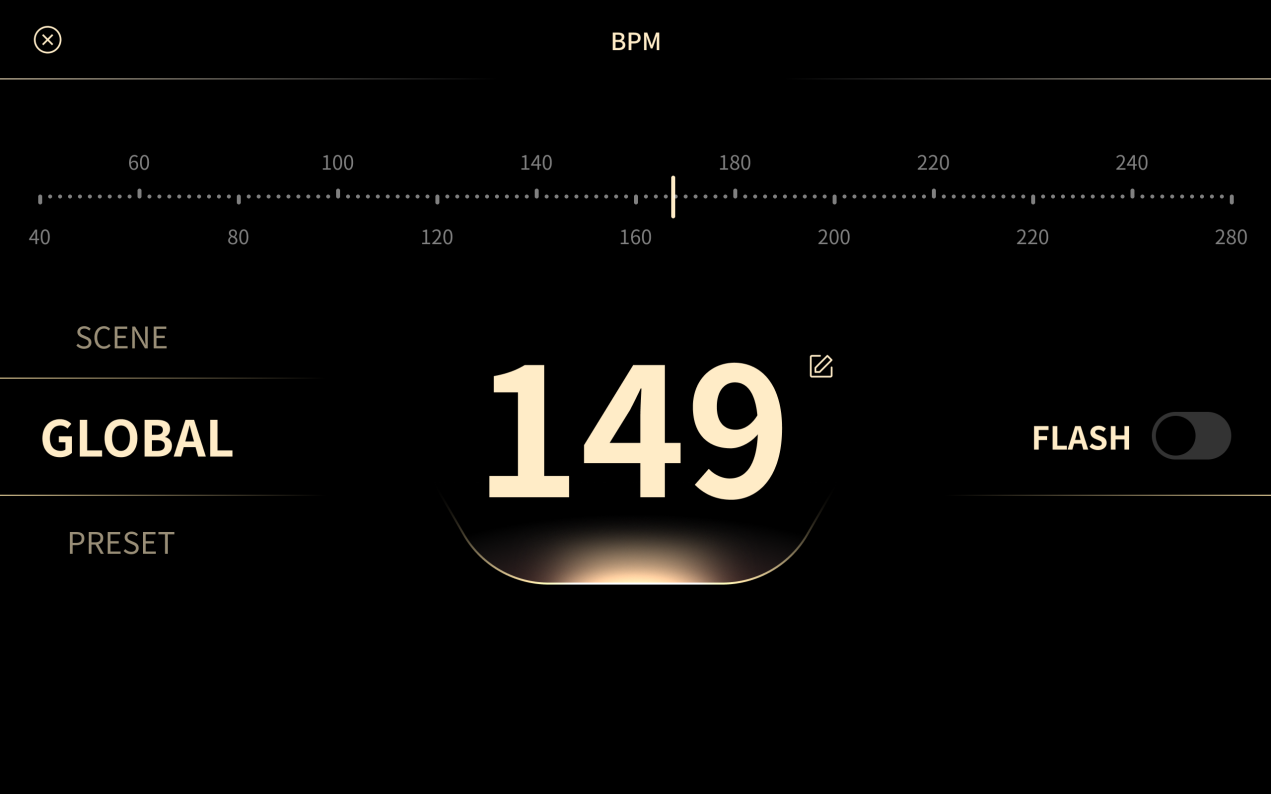
BPM
To set the tempo, press the TEMPO/TUNER footswitch several times in time with the music, or use the BPM control at the top of the Signal Chain screen.
-
BPM: 40 to 300.
-
Type
- Global: uses one tempo for all Presets.
- Preset: stores the tempo with the current Preset.
- Scene: stores the tempo with the current Scene.
-
FLASH
- When on, the LED of the TEMPO/TUNER footswitch flashes in time with the tempo.